What is a Mobile Gmail Signature and Why It Matters for Marketing
In an era where mobile devices dominate communication, the effective use of mobile Gmail signatures presents both an opportunity and a challenge for
Sophie Grant
Email Signature Specialist, Scribe
Introduction
In an era where mobile devices dominate communication, the effective use of mobile Gmail signatures presents both an opportunity and a challenge for businesses. Think of these signatures as digital business cards that do much more - they enhance brand visibility and engagement. Despite their potential, many businesses struggle to implement effective mobile Gmail signatures that truly enhance their marketing efforts. This article delves into the significance of mobile Gmail signatures, exploring their components, benefits, and best practices for creating impactful signatures that resonate with audiences.
Define Mobile Gmail Signature
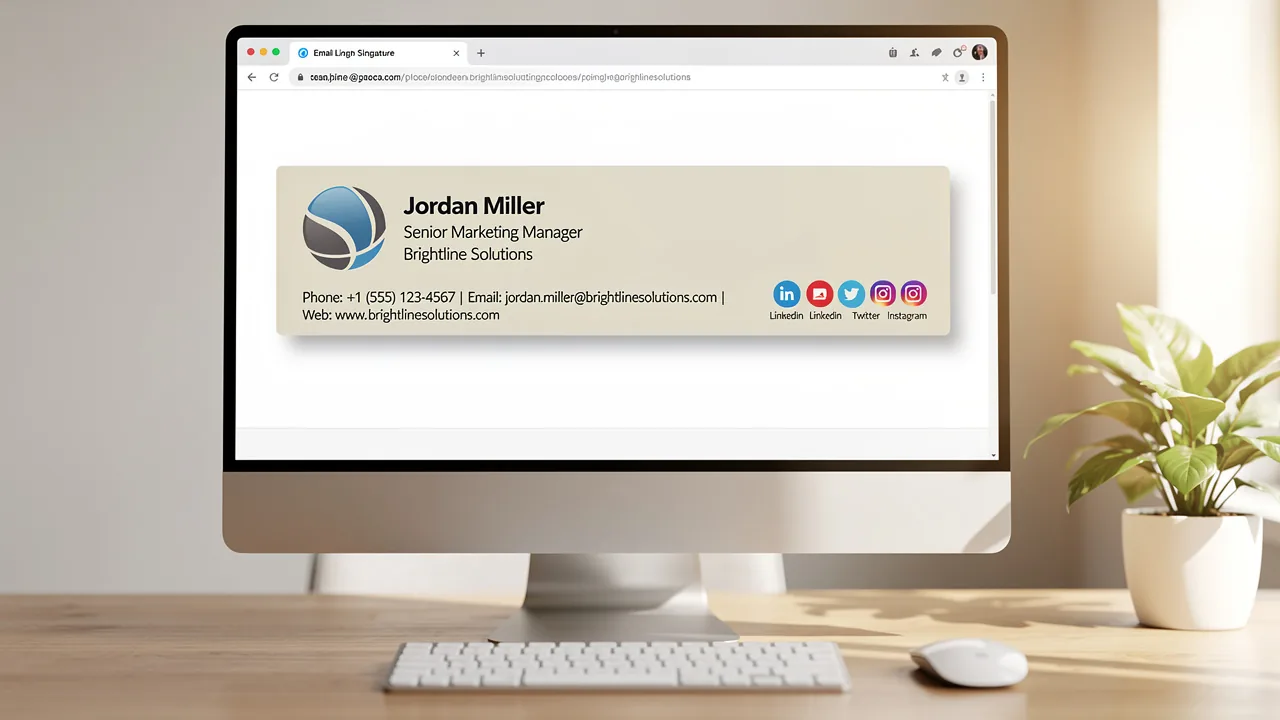
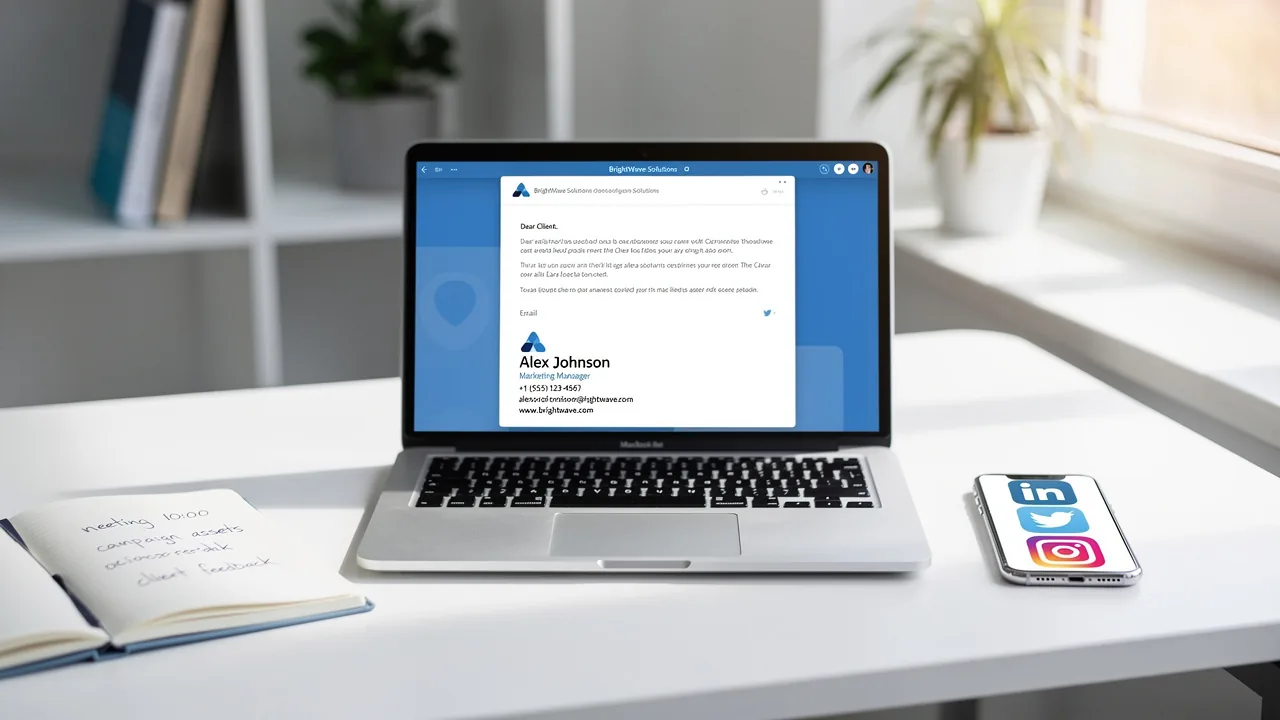
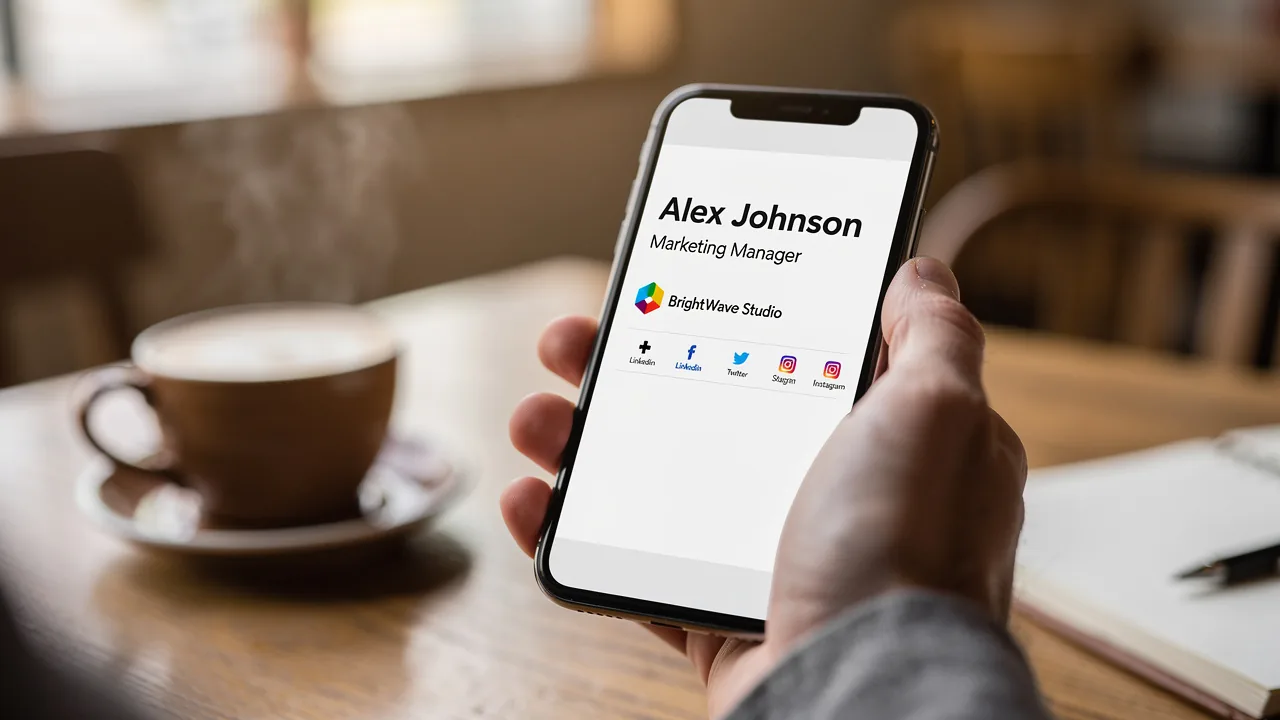
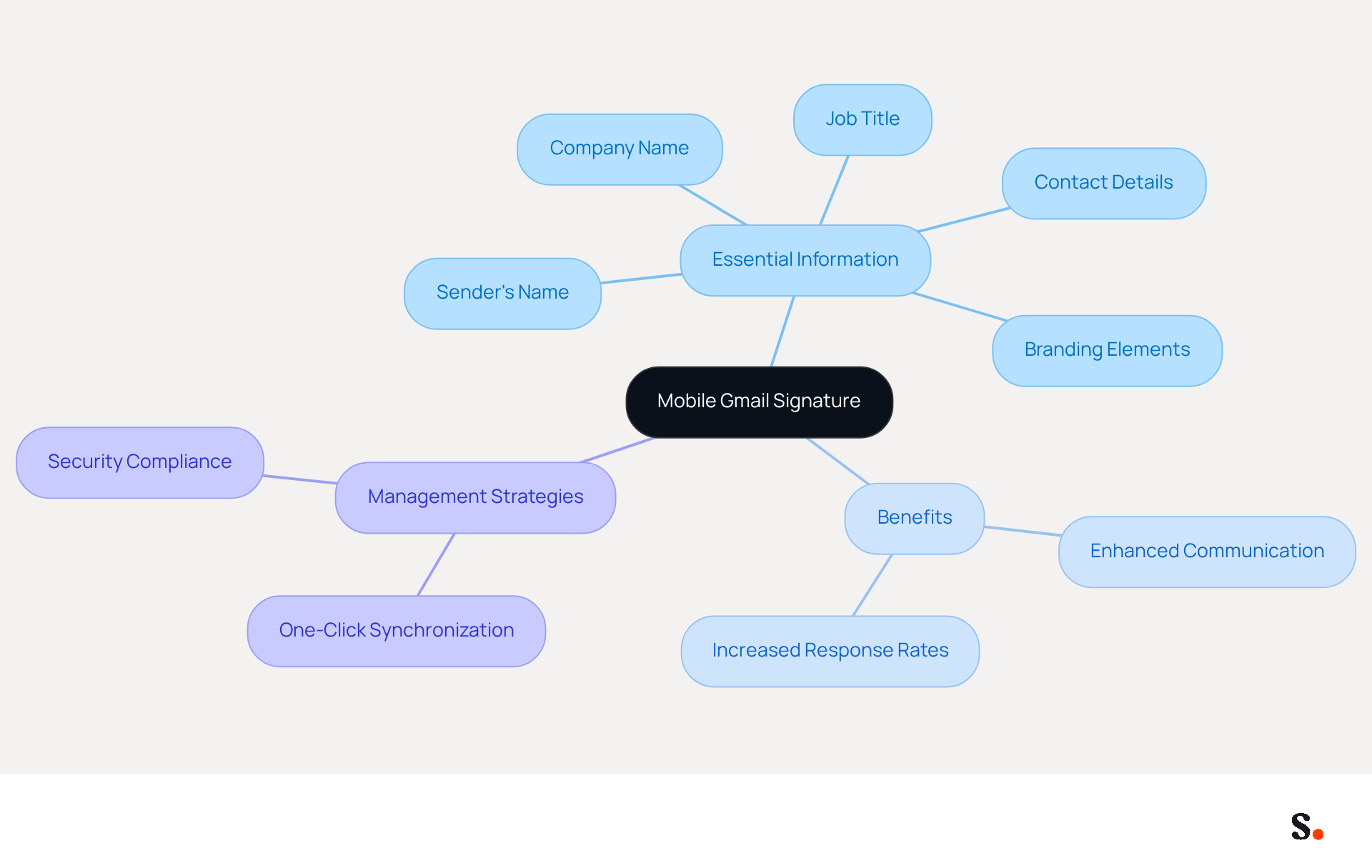
A mobile Gmail signature serves as a critical component of professional communication, especially on portable devices. This endorsement typically includes essential information such as the sender's name, job title, company name, contact details, and branding elements like logos or social media links. Smaller displays often necessitate the simplification of electronic marks to maintain clarity and professionalism. This streamlined method is essential, as over 60% of messages are read daily on portable devices, emphasizing the need for effective communication while on the move.
Research shows that companies employing consistent digital identifiers, including portable tags, can experience a 22% boost in response rates and a 15% increase in click-through rates. This underscores the critical role of a consistent brand presence in enhancing communication effectiveness. Moreover, with 95% of marketers discovering a well-organized marketing strategy more effective than social media, the capability to create and manage these identifiers directly from portable devices enhances convenience for users who often communicate while on the go.
To enable one-click synchronization of Scribe profiles with Scribe, you must grant permission to connect with your provider, requiring Super Admin access. This allows you to select which teammates to sync, ensuring that not all Google Workspace accounts need to be included. With Scribe, you can automate the synchronization of your communication identifiers with Aircall, which helps maintain brand consistency across all interactions. You can effortlessly manage and update your mobile identifiers through one-click synchronization, enabling seamless updates that reflect any modifications made in your provider directory. Additionally, Scribe's SOC 2 Type II compliance guarantees the security of your data, making it a reliable choice for organizations focused on both branding and security. Concise and informative email tags, such as a mobile Gmail signature, are also crucial for effective communication on smartphones, ideally limited to 3-4 lines. Ultimately, effective management of mobile Gmail signatures can transform how organizations engage with their audience.
Explain Importance in Marketing
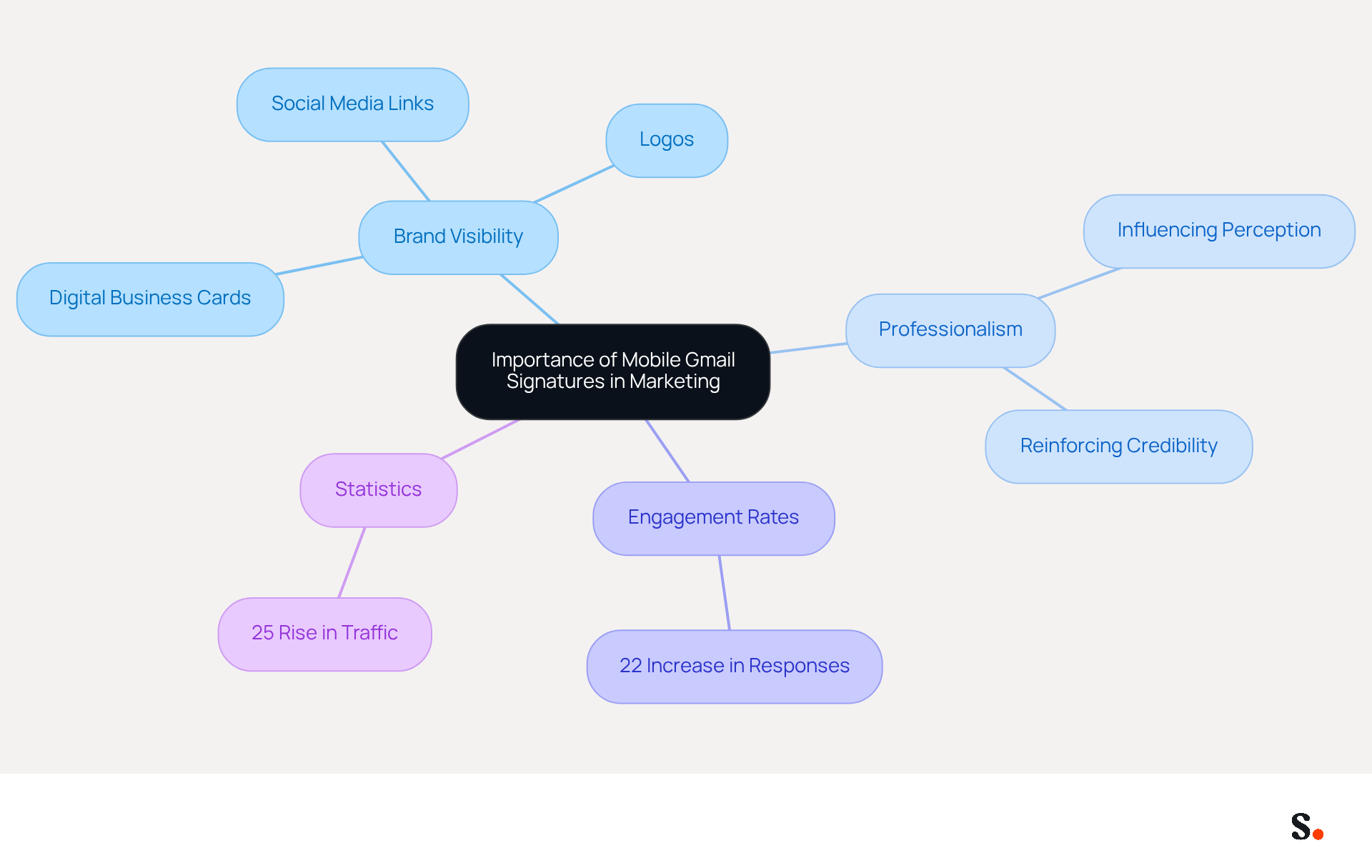
Mobile Gmail signature tags are essential tools for enhancing brand visibility in digital communications. They serve as digital business cards that accompany every message sent, significantly improving brand recognition by incorporating logos, taglines, and links to social media or websites. This facilitates easy engagement for recipients. A well-crafted mobile identifier not only conveys professionalism but also influences the recipient's perception of the sender, reinforcing brand credibility. In a mobile-centric communication landscape, maintaining brand identity across all messages is crucial for consistency.
Each change made in your Aircall configuration will automatically be reflected in your Scribe profiles, as we sync the data from there. Studies indicate that messages with professional identifiers can boost engagement rates, with organizations reporting a 22% increase in responses when using consistent identifiers. Moreover, a multinational corporation observed a 25% rise in traffic to particular landing pages after standardizing its email formats.
This highlights the essential role that mobile Gmail signatures play in marketing strategies, and businesses that leverage them effectively can expect to see measurable improvements in their marketing outcomes.
Explore Evolution and Key Features
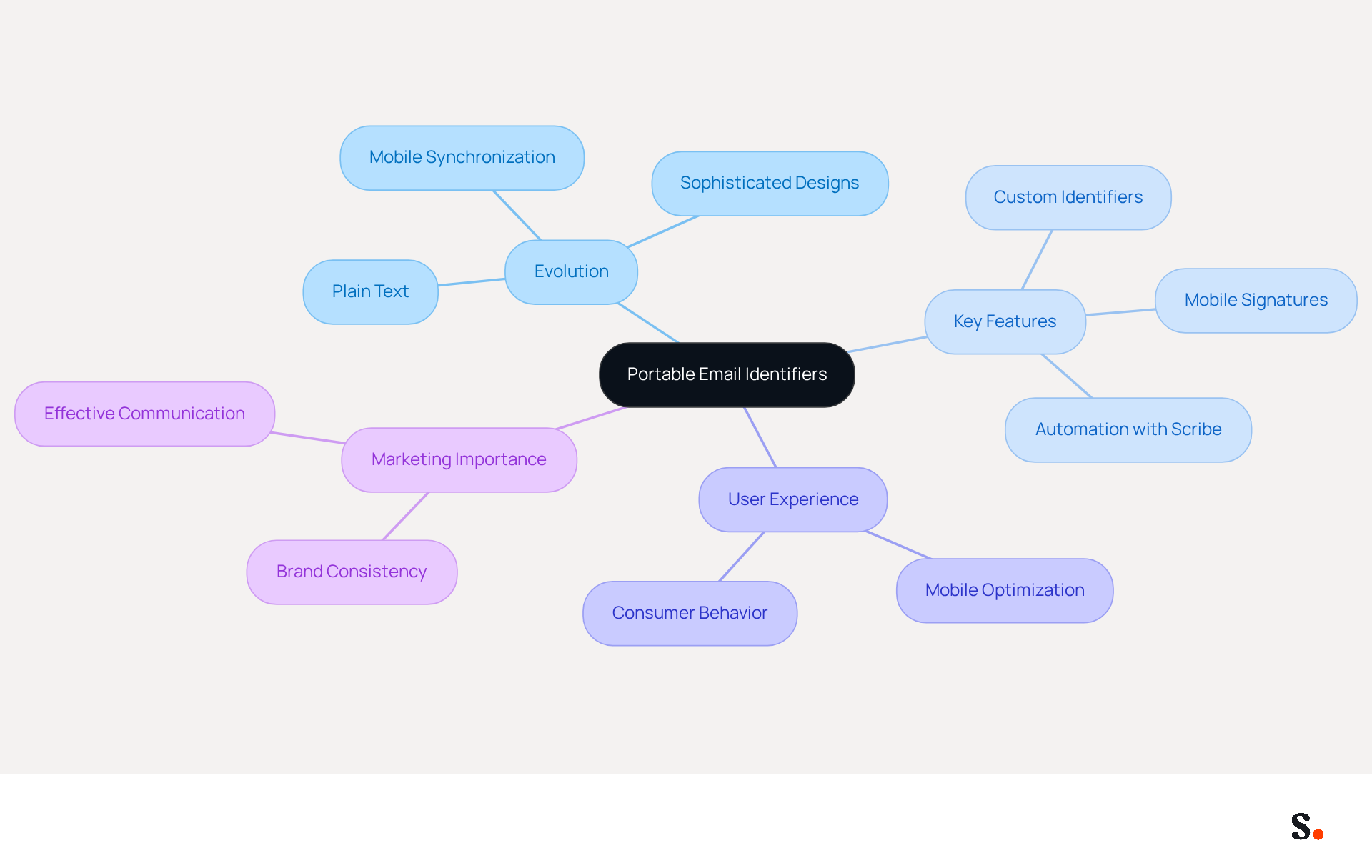
The evolution of portable email identifiers highlights significant advancements in digital communication. Initially, these marks were limited to plain text, lacking the formatting features available in desktop versions. However, recent advancements have introduced more sophisticated designs, allowing users to incorporate images and links, akin to their desktop counterparts.
Contemporary Gmail identifiers on smartphones now include synchronization with desktop versions, ensuring brand consistency across platforms, and allow users to create a mobile gmail signature for various accounts. Users can set a custom identifier on Android to replace the web identifier, allowing for tailored user experiences. This shift enhances user experience and highlights how crucial mobile-friendly communication has become in effective marketing.
With smartphone interactions representing over 60% of total correspondence, the need for well-crafted portable identifiers is more crucial than ever. Moreover, research shows that 71.6% of consumers will remove messages that do not render properly on portable devices, emphasizing the necessity for marketers to focus on optimizing for these platforms.
By integrating Scribe with Google Workspace, marketing teams can automate the synchronization of email identifiers, ensuring that any updates - such as changes in team members' roles or contact information - are reflected instantly. This not only saves time but also guarantees brand consistency across all communications, making Scribe an essential tool for modern marketing managers.
As mobile communication continues to dominate, optimizing the mobile gmail signature has become essential for marketers.
Provide Examples and Best Practices
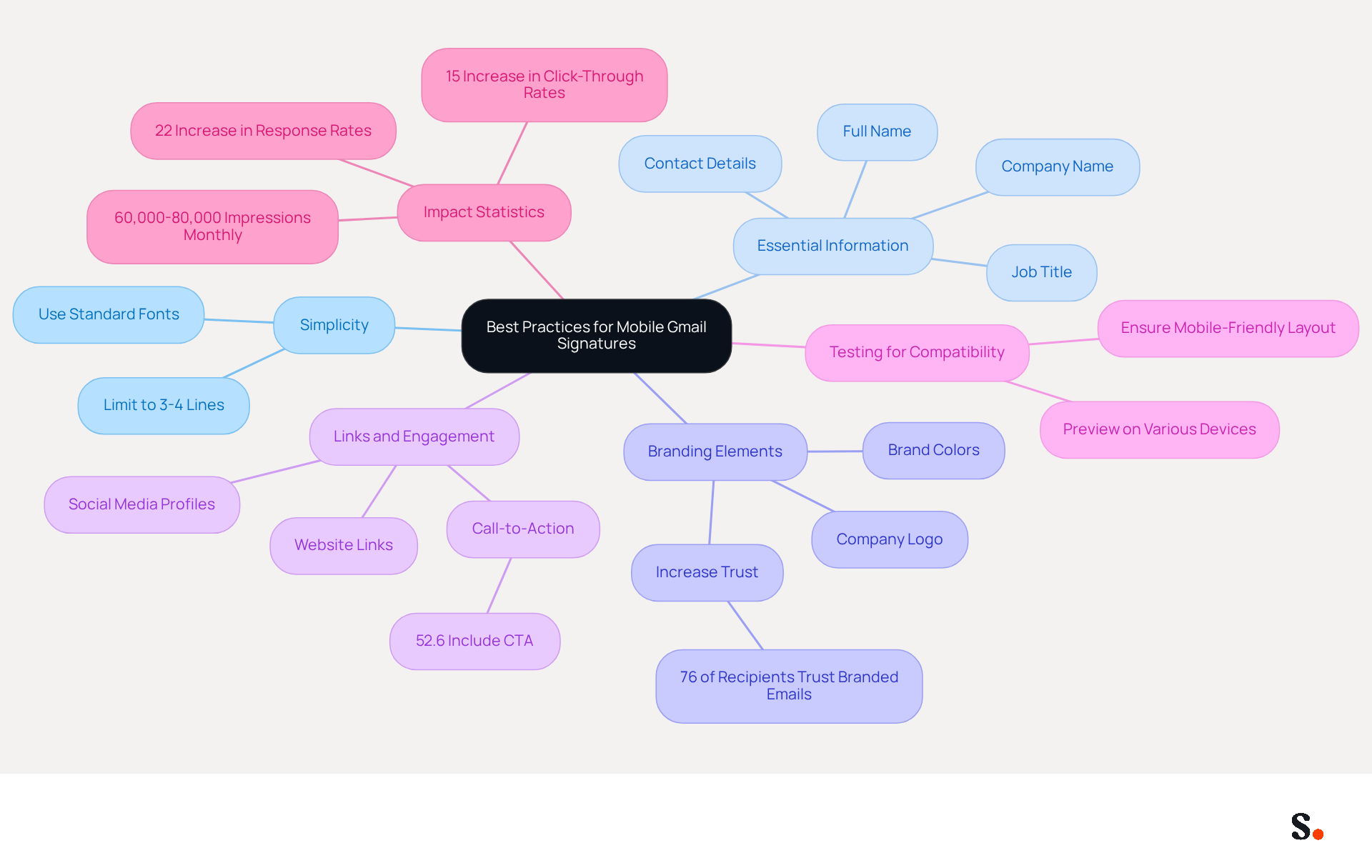
Creating an effective mobile Gmail signature requires careful consideration of several best practices to ensure clarity and impact. First, keep it simple: limit your sign-off to 3-4 lines for optimal readability on small screens. Next, include essential information by clearly presenting your name, title, company name, and contact details. Additionally, use branding elements; incorporating your company logo and colors can enhance brand recognition. Research indicates that 76% of recipients feel that branded communications enhance their trust in the sender. Furthermore, add links to your website and social media profiles to encourage further engagement. Notably, 52.6% of users incorporate a call-to-action in their email footers, suggesting that promotional elements are both expected and welcomed by recipients. Always test for mobile compatibility by previewing your email footer on various devices to ensure it displays correctly. For instance, a company with 100 employees can generate approximately 60,000-80,000 branded impressions monthly, showcasing the potential reach of well-designed branding. As Sophie Grant, an Email Signature Specialist, observes, 'Mobile sign-offs in Scribe are essential for improving brand visibility and professionalism in email communication.' Scribe has effectively utilized portable marks that reflect their brand identity while enhancing engagement through strategic links and calls to action. Ultimately, a well-crafted mobile Gmail signature can act as a crucial touchpoint for improving brand visibility and encouraging customer engagement.
Conclusion
In a mobile-first communication landscape, the effectiveness of mobile Gmail signatures is paramount for businesses aiming to enhance brand visibility and engagement. By strategically implementing these signatures, organizations can ensure that their branding remains consistent and professional across all digital interactions, ultimately influencing customer perceptions and driving engagement.
This article has explored how mobile Gmail signatures play a crucial role in enhancing brand recognition and engagement. Key insights reveal that organizations leveraging well-crafted mobile signatures can experience significant boosts in engagement metrics, such as a 22% increase in response rates and a 15% rise in click-through rates. Furthermore, the evolution of these signatures reflects the growing need for adaptability in digital communication, emphasizing the necessity for marketers to optimize their strategies for mobile platforms.
As mobile communication increasingly shapes interactions, businesses must prioritize the development and management of mobile Gmail signatures to maximize their marketing impact. By adopting best practices and utilizing tools like Scribe, organizations can ensure brand consistency, enhance customer engagement, and ultimately drive measurable marketing ROI. Investing in mobile Gmail signatures is not just a choice; it is a strategic necessity for businesses seeking to thrive in a digital-centric marketplace.
Frequently Asked Questions
What is a mobile Gmail signature?
A mobile Gmail signature is a professional endorsement included in emails sent from portable devices, typically containing the sender's name, job title, company name, contact details, and branding elements like logos or social media links.
Why is a mobile Gmail signature important?
It is important because over 60% of messages are read on portable devices, making effective communication essential. A well-crafted signature enhances professionalism and clarity in mobile communications.
How does a consistent digital identifier impact response rates?
Research indicates that companies using consistent digital identifiers, including mobile signatures, can see a 22% boost in response rates and a 15% increase in click-through rates.
What is the significance of a well-organized marketing strategy compared to social media?
95% of marketers find that a well-organized marketing strategy is more effective than social media, highlighting the importance of structured communication methods like mobile Gmail signatures.
How can Scribe help with mobile Gmail signatures?
Scribe allows for one-click synchronization of profiles, enabling users to manage and update their mobile identifiers easily. It also automates synchronization with Aircall to maintain brand consistency across communications.
What permissions are needed to sync Scribe profiles?
To enable synchronization, you must grant permission to connect with your provider, which requires Super Admin access. This allows you to select specific teammates for syncing.
How does Scribe ensure data security?
Scribe is SOC 2 Type II compliant, which guarantees the security of your data, making it a reliable choice for organizations focused on branding and security.
What is the ideal length for a mobile Gmail signature?
The ideal length for a mobile Gmail signature is 3-4 lines, ensuring it remains concise and informative for effective communication on smartphones.
List of Sources
- Define Mobile Gmail Signature
- Email Marketing Statistics 2026: the latest data and trends (https://emailchef.com/emailchef-academy/all-email-marketing-statistics-updated)
- What Is Mobile Signature in Gmail and Why It Matters for Marketing (https://scribe-mail.com/en-US/blog/what-is-mobile-signature-in-gmail-and-why-it-matters-for-marketing)
- The ultimate mobile email statistics overview: All mobile email stats (https://emailmonday.com/mobile-email-usage-statistics)
- Email Signature Experience in Gmail Android (2025 Update) (https://patronum.io/google-improves-the-email-signature-experience-for-the-gmail-app-on-android-devices)
- Like it or not, Gmail just brought your desktop signature to mobile (https://androidpolice.com/gmail-just-brought-your-desktop-signature-to-mobile)
- Explain Importance in Marketing
- The impact of email signatures on your branding (https://signitic.com/en/resources/the-impact-of-email-signatures-on-your-branding)
- Using Email Signatures for Marketing | CloudM (https://cloudm.io/blog/using-email-signatures-for-marketing-how-every-email-can-boost-your-brand)
- Email signature marketing: Triple your conversions with signature marketing (https://mailbutler.io/blog/email/signature-marketing)
- Research Recap: Branded Email Signatures Increase Company Recognition, Trust - Demand Gen Report (https://demandgenreport.com/industry-news/research-recap-branded-email-signatures-increase-company-recognition-trust/47252)
- What Is Mobile Signature in Gmail and Why It Matters for Marketing (https://scribe-mail.com/en-US/blog/what-is-mobile-signature-in-gmail-and-why-it-matters-for-marketing)
- Explore Evolution and Key Features
- The ultimate mobile email statistics overview: All mobile email stats (https://emailmonday.com/mobile-email-usage-statistics)
- The Evolution of Email Signatures: From Plain Text to Marketing Tool (https://chillisign.io/blog/evolution-signatures)
- What Is Mobile Signature in Gmail and Why It Matters for Marketing (https://scribe-mail.com/en-US/blog/what-is-mobile-signature-in-gmail-and-why-it-matters-for-marketing)
- Gmail is syncing your desktop signature to mobile (https://androidpolice.com/gmail-is-syncing-your-desktop-signature-to-mobile)
- Mobile Email Engagement — 32 Statistics Every Marketing Leader Should Know in 2026 (https://genesysgrowth.com/blog/mobile-email-engagement-stats-for-marketing-leaders)
- Provide Examples and Best Practices
- 40+ Email Signature Statistics for 2026 (Data + Insights) (https://wavecnct.com/blogs/email-signature-statistics)
- Email signature statistics: Why every business should optimize their email signatures — Stripo.email (https://stripo.email/blog/email-signature-statistics-why-every-business-should-optimize-their-email-signatures)
- Email signature statistics and trends in 2024 (https://wisestamp.com/blog/email-signature-statistics)
- What Is Mobile Signature in Gmail and Why It Matters for Marketing (https://scribe-mail.com/en-US/blog/what-is-mobile-signature-in-gmail-and-why-it-matters-for-marketing)
- Mobile Email Signature Examples That Work on Every Device (https://bulksignature.com/blog/mobile-email-signature-examples-that-work-on-every-device)
Get started with Scribe
Signatures for every role on your team
Free 14-day trial — no credit card.