Signatures for Mail: What to Include and How to Manage Them
Choose a professional email signature pattern, keep it readable, and decide when AI-agent management fits your business workflow.
Sophie Grant
Email Signature Specialist, Scribe
On this page
- What a professional mail signature needs to do
- Define the essential information before styling it
- Choose a signature pattern by audience and message purpose
- Keep the design readable across screens
- Create a full version and a reply version
- Set maintenance triggers before choosing a workflow
- What can be said about prevalence and cost
- Compare AI-agent management with admin-console work
- Know when professional evaluation is needed
- Decide whether an AI-agent workflow fits your next step
- Questions about signatures for mail and AI-agent management
- Can Claude or ChatGPT audit email signatures without changing them?
- Does an AI agent automatically publish a requested signature change?
- When is a simple manual signature workflow enough?
- Sources
What a professional mail signature needs to do
A professional email signature is a few lines of contact or business information at the end of a digital message. Its job is to make your professional identity and affiliations clear while giving the recipient a practical way to respond. The primary aim is to introduce you and share important contact details such as a phone number or address.
That purpose gives you a useful test: every line should help someone identify you, understand your role, or continue the conversation. If a detail does none of those jobs, it may belong on your website or profile rather than in every message.
A well-designed email signature can function as a digital business card and strengthen brand recognition every time you send an email. The value comes from repeated clarity, not from adding every possible logo, link, or promotional element.
One reported result found that organizations using a standard email signature can observe a 22% rise in response rates. Treat that figure as a reported result for organizations using that approach, not as a universal benchmark for every message or team.
Start with the information that helps the recipient act. Add visual branding only after the identity and contact route are easy to find. A marketing banner or call to action can be useful as an optional addition, but it should not displace the basic information that explains who sent the message.
A large email signature can delay image display while the email client downloads signature resources from the internet; images will often not show for the first 5 seconds in that situation. Multiple phone numbers, excessive disclaimers, and 10+ social links can also clutter an email and may lead to messages being blocked by built-in spam protections.
Keep the opening decision simple: define the identity and contact block first, then remove anything that makes the main message harder to read. That principle will guide the pattern, visual design, and maintenance choices that follow.
Get started with Scribe
See why teams switch to Scribe
Free 14-day trial — no credit card.
Define the essential information before styling it
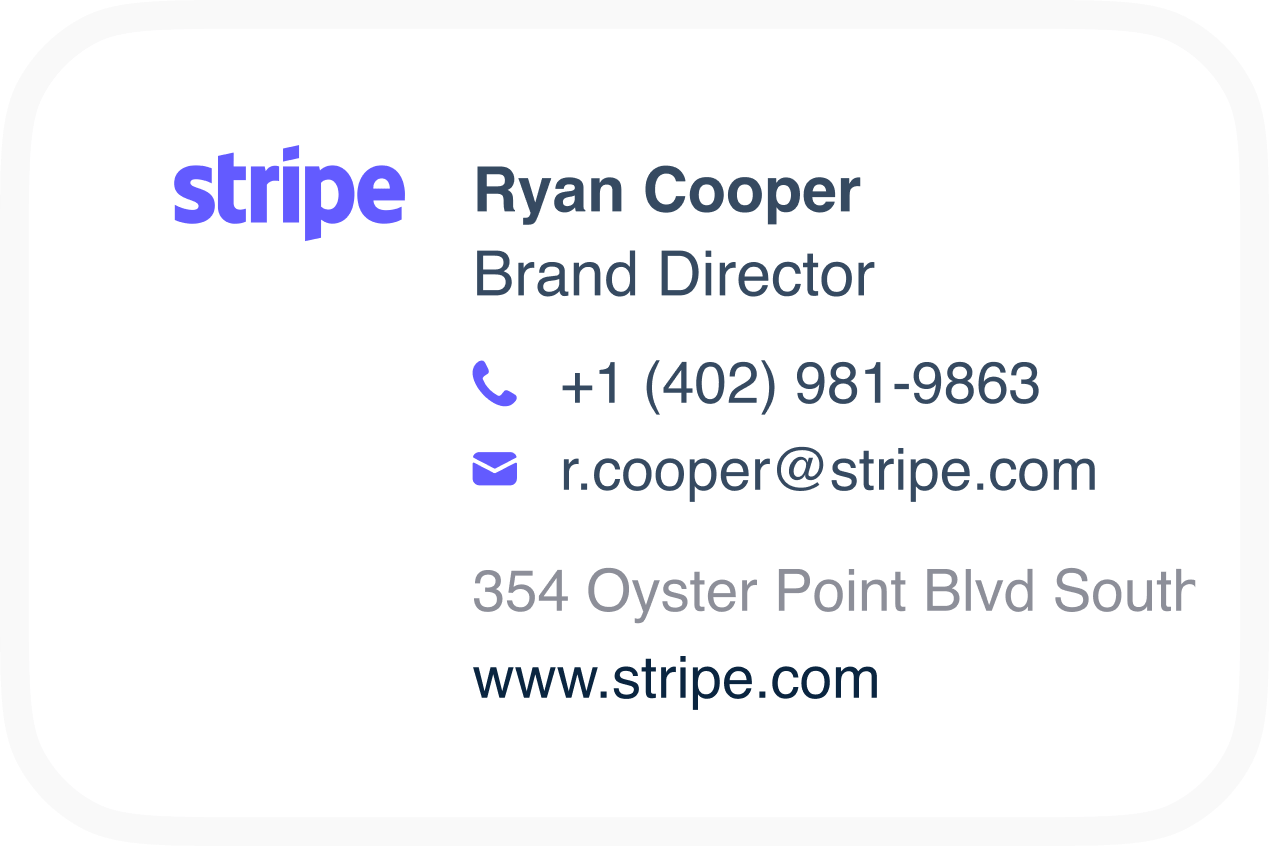
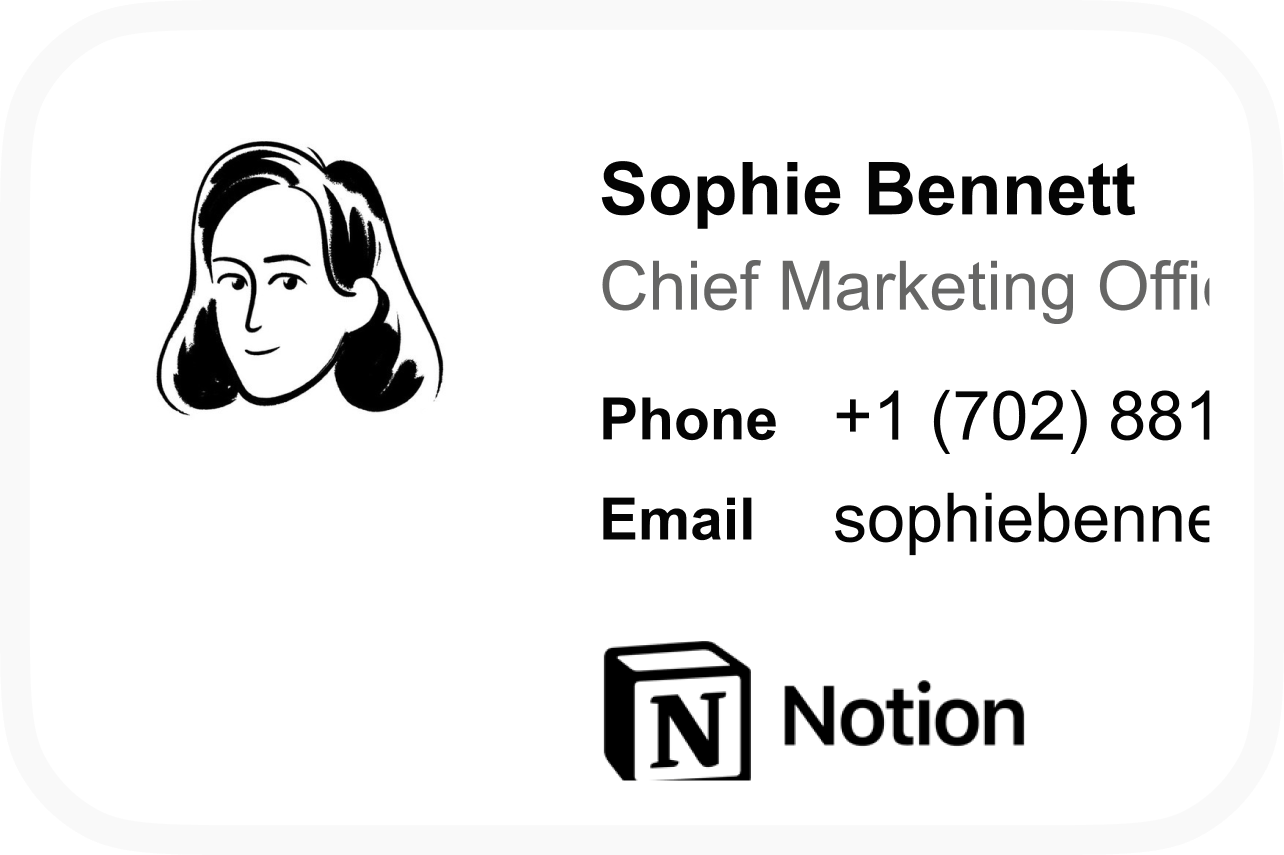
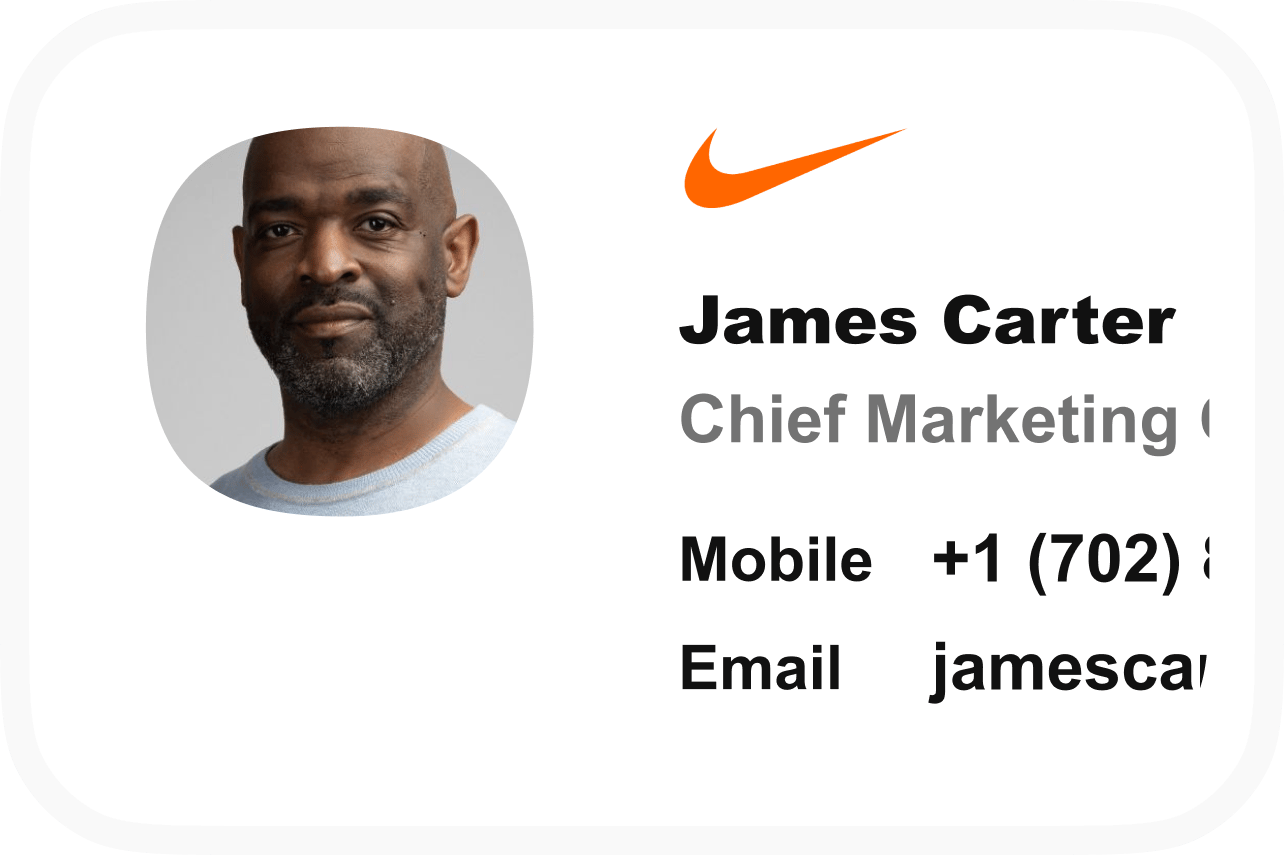
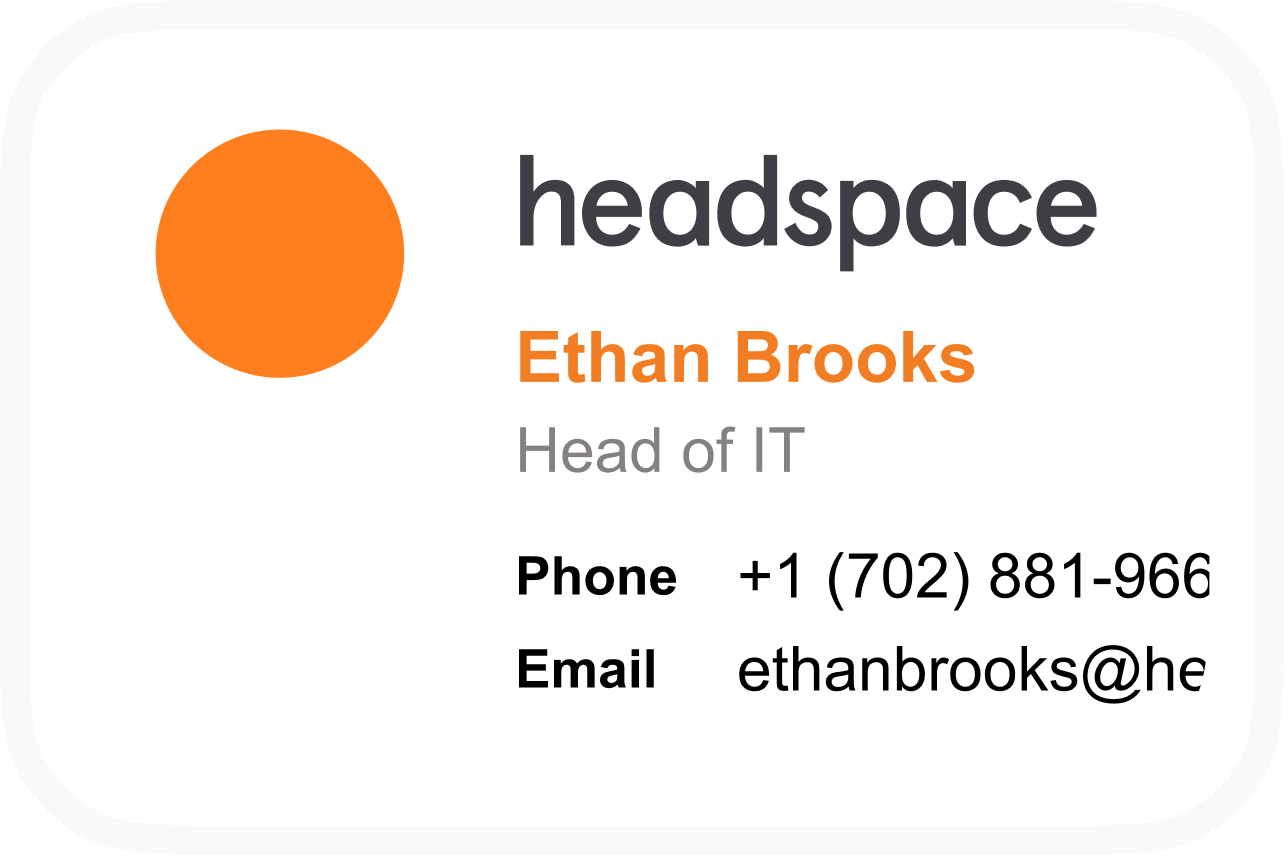
A professional email signature should begin with your name and job title, then identify your department and a reliable contact route. At a minimum, include your name, job title, department, and phone number. A professional email signature can also include contact details such as your email address and website.
Build the content in this order:
- Identity: your name and job title.
- Organizational context: your department or functional area.
- Primary contact route: the phone number or other contact detail that helps the recipient continue the conversation.
- Relevant destination: an email address or website when it adds a useful next step.
This order keeps the signature understandable even when styling is removed or an image does not load. It also makes later revisions easier because you can change one field without redesigning the entire block.
Your contact details should serve the communication rather than document every way to reach you. Choose the route that matches the messages you send: a phone number may help with active client work, while a website may help someone understand your organization before replying.
A concise business signature can therefore contain your name, role, department, phone number, and one relevant web destination. Add another detail only when its purpose is clear. The primary aim of your signature is to introduce you and share important contact details, so identity and response options take priority over decoration.

Choose a signature pattern by audience and message purpose
A signature pattern should match the audience and purpose of your message. A direct business conversation may need only your identity, department, phone number, and one destination. A prospecting or partnership message may justify one relevant call to action. A message connected to a campaign may use a banner when that banner gives the recipient a clear next step.
Use the smallest pattern that supports the conversation:
- Direct-contact pattern: name, job title, department, phone number, and one relevant website or profile.
- Relationship pattern: the direct-contact pattern plus one destination that helps the recipient continue the discussion.
- Campaign pattern: the direct-contact pattern plus an optional banner or call to action tied to the message’s purpose.
These are starting structures, not rules for every message. If the recipient already knows the context, reduce the number of links and promotional elements rather than carrying the full version into every exchange.
A reported comparison places emails with branded elements at a 22% higher response rate. Use that result as directional support for keeping branding coherent, not as a promise that adding a logo or color will produce the same response rate in your workflow.
Signature design should align with your brand identity by using the same color palette and typography when possible. Consistency helps the block look connected to the rest of your business communication without requiring a large visual treatment.
Using an established color palette and font styles can enhance brand recognition by up to 85%, according to one reported result. The figure measures a possible increase in recognition associated with consistent palette and font use; it does not establish an outcome for every organization.
Use brand elements to support hierarchy. Your name and role should be easy to find, contact details should remain readable, and any logo or accent should stay secondary to the information. A restrained design gives you room to adapt the signature for different audiences without creating a separate visual system for every message type.
Signature links should be limited to the most important one or two, because too many options can leave recipients unsure what to click. Choose links by the action you want to support, such as learning more about your organization or continuing a business conversation.
A marketing banner, call to action, or map can be an optional addition to a professional email signature. Add one only when it serves the recipient’s likely next step. A signature that tries to promote several destinations at once becomes harder to scan and harder to adapt.

Keep the design readable across screens
A readable email signature should work on a small screen as well as on a desktop display. Optimize your signature for smartphones and dark mode, make its elements accessible, and avoid unnecessary details. A signature longer than 8 lines can push the main email content below the fold on mobile.
Use a compact layout with a clear visual order:
- Put your name and role where the eye can find them first.
- Keep contact details in a simple, readable block.
- Use one font and two colors in the email signature.
- Keep the email signature under 600px wide so it survives on mobile.
- Leave enough space around links and other clickable content for comfortable tapping.
The goal is not to make the signature look identical on every screen. The goal is to preserve its meaning when the available space, color mode, or rendering conditions change.
Clickable content in an email signature should be large enough to tap easily on a mobile device. A link that is visually small, crowded beside another link, or dependent on precise pointer movement creates friction even when the destination is relevant.
Check the practical reading path on a phone: identify the sender, find the contact route, and reach the selected link without zooming or guessing. Keep the most important action prominent, and remove lower-value links when they compete with it.

Create a full version and a reply version
A full email signature and a reply signature serve different message contexts. The full version can carry your identity, role, department, contact route, selected link, and restrained brand treatment. The reply version should use just your name and title so long threads do not fill with repeated logos.
A reported comparison states that emails with branded elements receive a 22% higher response rate. That percentage describes the reported response-rate difference for emails with branded elements; it does not remove the need to choose a shorter format when repeated branding makes a long thread harder to scan.
Choose the shorter version when the conversation already establishes your identity or when repeated visual elements would make the thread harder to scan. Keep the full version available for a first contact or a message where the recipient needs more context. This is a content decision, not a requirement to redesign your brand.
A real sign-off belongs above the signature block, and it should stay out of the saved signature when it varies by recipient. The sign-off carries the tone of the specific message; the saved block carries stable identity and contact information.
Write the personal closing as part of the email, then place the appropriate full or reply version beneath it. This separation lets you adjust warmth, formality, or context without changing the reusable business details.
Set maintenance triggers before choosing a workflow
An email signature needs review whenever your job title, contact details, company branding, or important links change. Marketing banners, event promotions, and campaign messages should also be refreshed regularly so the content does not remain attached to a message after its purpose has passed.
Write down the triggers that matter to your workflow:
- A role, department, phone number, or website changes.
- A brand element or important link changes.
- A campaign, event, or promotion ends or needs new wording.
- A message pattern changes from full contact to short reply use.
The list turns maintenance into a recognizable task instead of a vague reminder. It also helps you decide whether manual editing is manageable or whether plain-English operations would remove repetitive work.
Signature elements should be monitored and updated to keep them aligned with changing brand strategies and compliance requirements. Signature updates can be planned around branding updates, product launches, or policy changes to maintain consistency across employee communications.
Use those events as review points rather than changing the block without a reason. At each review, check the identity fields, contact route, links, visual treatment, and any campaign element. A review point should end with a clear decision: keep the current pattern, shorten it, replace an outdated detail, or create a revised version for the next message context.

What can be said about prevalence and cost
The useful prevalence question for your workflow is not a universal percentage; it is how often business messages depend on a consistent identity and contact block. Signatures are most relevant when your role involves regular external communication, when recipients need a reliable way to respond, or when links and campaign content change often.
A meaningful prevalence estimate needs a defined population, time period, and type of business communication. Without those boundaries, a broad claim about how common signatures are can hide the differences between a small team with stable contact details and an organization with many changing roles. For planning purposes, measure your own sending workflow instead:
- Count the people or sending identities that need the same core information.
- Note how often roles, contact details, links, or campaign elements change.
- Record how often you need to inspect whether the intended pattern is present and current.
Those measures tell you who the workflow affects and where maintenance effort is concentrated. They do not turn your local result into a market-wide adoption rate.
The cost of an email signature workflow should be assessed as a scenario rather than as one universal market price. Separate the work of defining and maintaining the content from any software or service you choose to purchase.
Build the scenario around the factors that affect your decision:
- The number of people, roles, or sending identities involved.
- The amount of design and content work required.
- How often contact details, branding, links, or campaigns change.
- Whether you need creation, auditing, reporting, or another workflow action.
- Whether integrations, automation, or support are part of the option you are considering.
Manual creation may involve little or no separate software cost, but it still consumes time when details change or status needs checking. Paid software adds a commercial cost that may vary with seats, features, automation, integrations, and support. To estimate a current price for a defined scenario, check the option's official pricing information or request a quote using those variables, then compare the result with the work your workflow actually creates rather than treating a list price as the total cost.
If manual upkeep is simple and infrequent, keep the process lightweight. If repeated updates and checks consume attention, compare the cost of that work with the capabilities and conditions of a paid workflow.
Compare AI-agent management with admin-console work
AI-agent management and admin-console work differ mainly in how you express and repeat an operation. An admin console gives you visible fields and controls to navigate step by step. An AI-agent workflow lets you describe an operation in plain English, then review the proposed result before a change is made.
| Decision point | Admin-console work | AI-agent workflow |
|---|---|---|
| How you begin | Locate the relevant settings and controls manually. | Describe the signature task in natural language after connecting the client. |
| How you inspect the state | Move through the available views and records. | Ask for lists or audits of signatures, teammates, integrations, and analytics. |
| How you change a signature | Enter or select the required values in the interface. | Ask the assistant to create, publish, or assign a signature, then confirm each change. |
| When it fits | You prefer direct visual control for an isolated task. | You want repeatable plain-English requests for creation, auditing, or inspection. |
The table is a workflow choice, not a claim that one interface suits every team. Choose the path that matches how often you repeat the task, how much state you need to inspect, and how comfortable you are reviewing an assistant’s proposed action.
Our MCP workflow allows Claude or ChatGPT, after OAuth sign-in, to list and audit signatures, teammates, integrations, and analytics. It can also create, publish, or assign signatures after you confirm each change. That confirmation step keeps a natural-language request separate from the decision to apply it.
A useful request should name the operation and the object you want to inspect or change. For example, you might ask for an audit of signature status, request a list of available signatures, or prepare a new assignment for review. You can then use the resulting information for reporting and decide whether the proposed change matches the intended workflow. The value of the approach depends on whether those plain-English operations match the way you already work; it does not remove the need to review the requested change.
Know when professional evaluation is needed
A professional email signature question needs individual evaluation when the answer depends on legal or regulatory requirements, a security review, or a deliverability problem. General design guidance can help you organize the content, but it cannot decide an obligation or diagnose a specific message path.
Pause the design decision and gather the details that affect the evaluation:
- The jurisdictions and business activities involved.
- The information the signature would display or link to.
- The systems, accounts, or access permissions involved in the workflow.
- The message behavior that indicates a deliverability concern.
Keep the general signature pattern separate from that decision so a visual preference does not become an unsupported legal, security, or deliverability conclusion. A qualified professional should decide individual suitability when those conditions affect the outcome.
Decide whether an AI-agent workflow fits your next step
Decide on the AI-agent path by identifying the operation you need: create a signature, audit existing signatures, or report on signature status in plain English. Compare that request-based path with the equivalent work in an admin console, and check whether OAuth sign-in without API keys fits your team's process.
Scribe's MCP server is relevant when you want to manage email signatures from Claude, ChatGPT, Cursor, or another MCP client. Explore it when those create, audit, and reporting tasks fit your workflow better than clicking through the console; otherwise, keep the maintenance approach you already use.
Questions about signatures for mail and AI-agent management
Can Claude or ChatGPT audit email signatures without changing them?
Yes. After OAuth sign-in, Scribe’s MCP workflow can list and audit signatures, teammates, integrations, and analytics. Creating, publishing, or assigning a signature requires confirmation for each change, so an audit can remain an inspection step.
Does an AI agent automatically publish a requested signature change?
No. Scribe’s workflow separates the plain-English request from applying the change: you must confirm each creation, publication, or assignment before it is made. This gives you an opportunity to check the proposed signature and intended recipient or group.
When is a simple manual signature workflow enough?
Manual upkeep may be enough when your signatures are used by few sending identities, contact details and links change infrequently, and you do not need repeated creation, auditing, or reporting. An AI-agent workflow becomes more relevant when those checks and updates repeatedly consume attention.
Get started with Scribe
See why teams switch to Scribe
Free 14-day trial — no credit card.